Use the dates that fit.
Review a calendar month, a payday period or your own date range. The totals follow the dates you choose.
YOUR PERSONAL FINANCE APP.
Track your spending, build a budget and keep track of your savings.
Start with a CSV statement from your bank.
THE DETAILS BEHIND THE TOTALS
Group your spending, check your budget and track your savings.
Open a spending total to see the transactions behind it.
Review a calendar month, a payday period or your own date range. The totals follow the dates you choose.
See income, spending and transfers separately. Pending payments stay distinct from booked totals.
Use different workspaces for personal, household or business finances. Each keeps its own transactions and budget.
UNDERSTAND YOUR SPENDING
Compare spending by category, then open a category to see its transactions. Separate your regular costs from exceptional expenses to understand what changed this month.
Spending by category · Payday or calendar months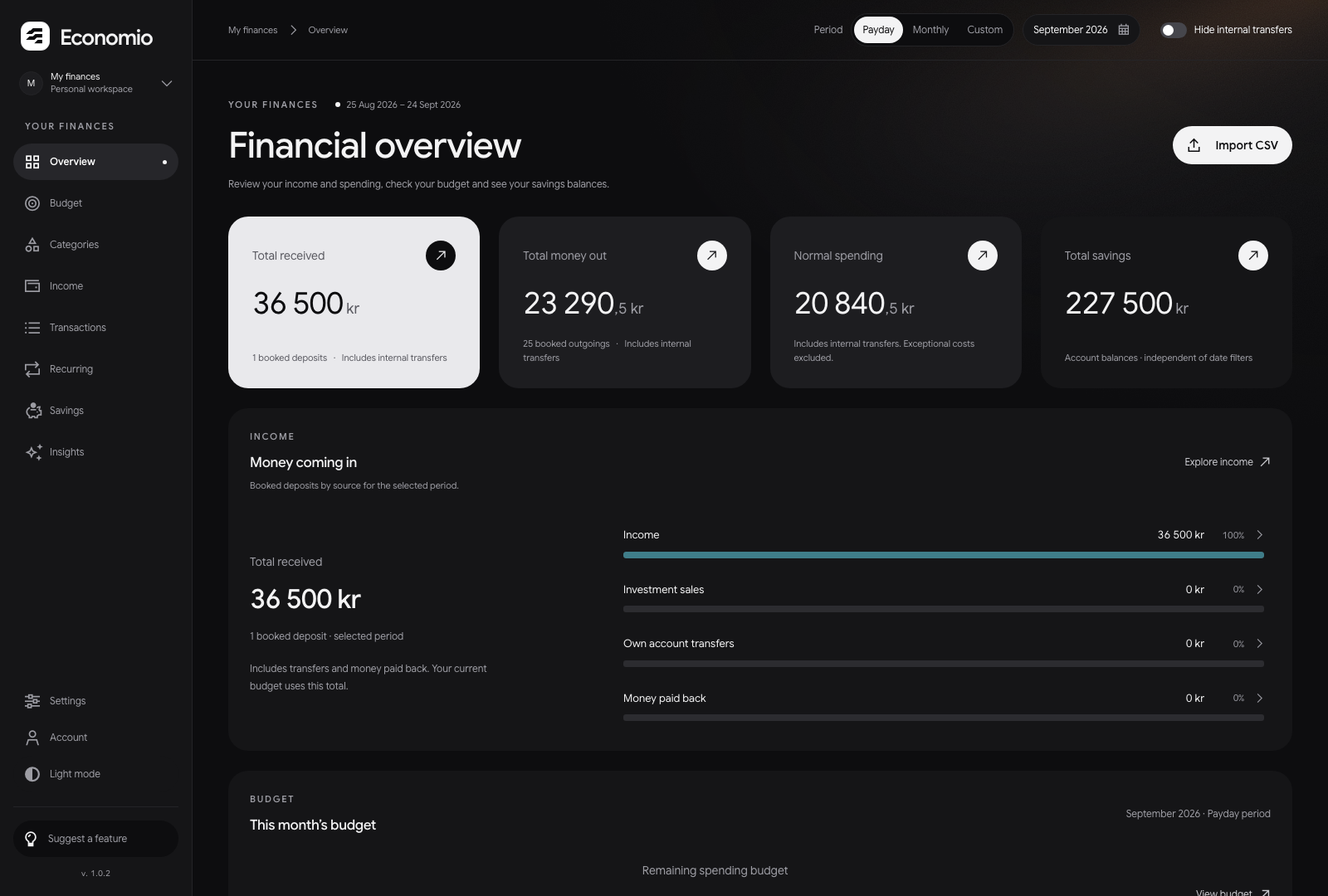
BUILD YOUR BUDGET
Set targets for bills, everyday costs, savings and spending. Compare your plan with the income and transactions you’ve imported, and see how much is left in each group.
Fixed costs · Everyday costs · Investments · Savings · Guilt-free spending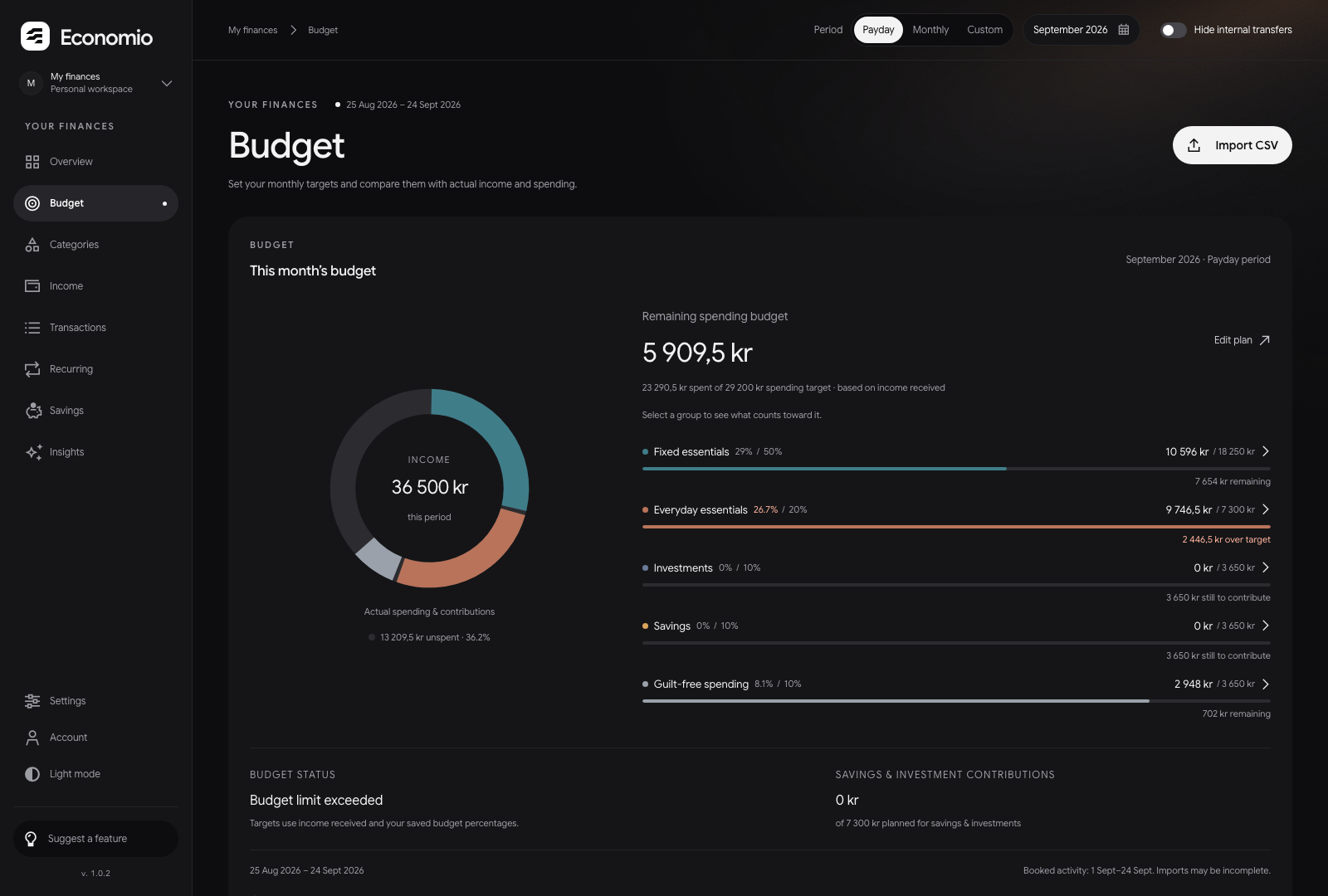
FOLLOW YOUR SAVINGS
Record balances, deposits and withdrawals for your savings and investments. Set a goal for each account and follow its progress. You update the balances, so you know when each figure was recorded.
Savings goals · Account history · Manual balance updates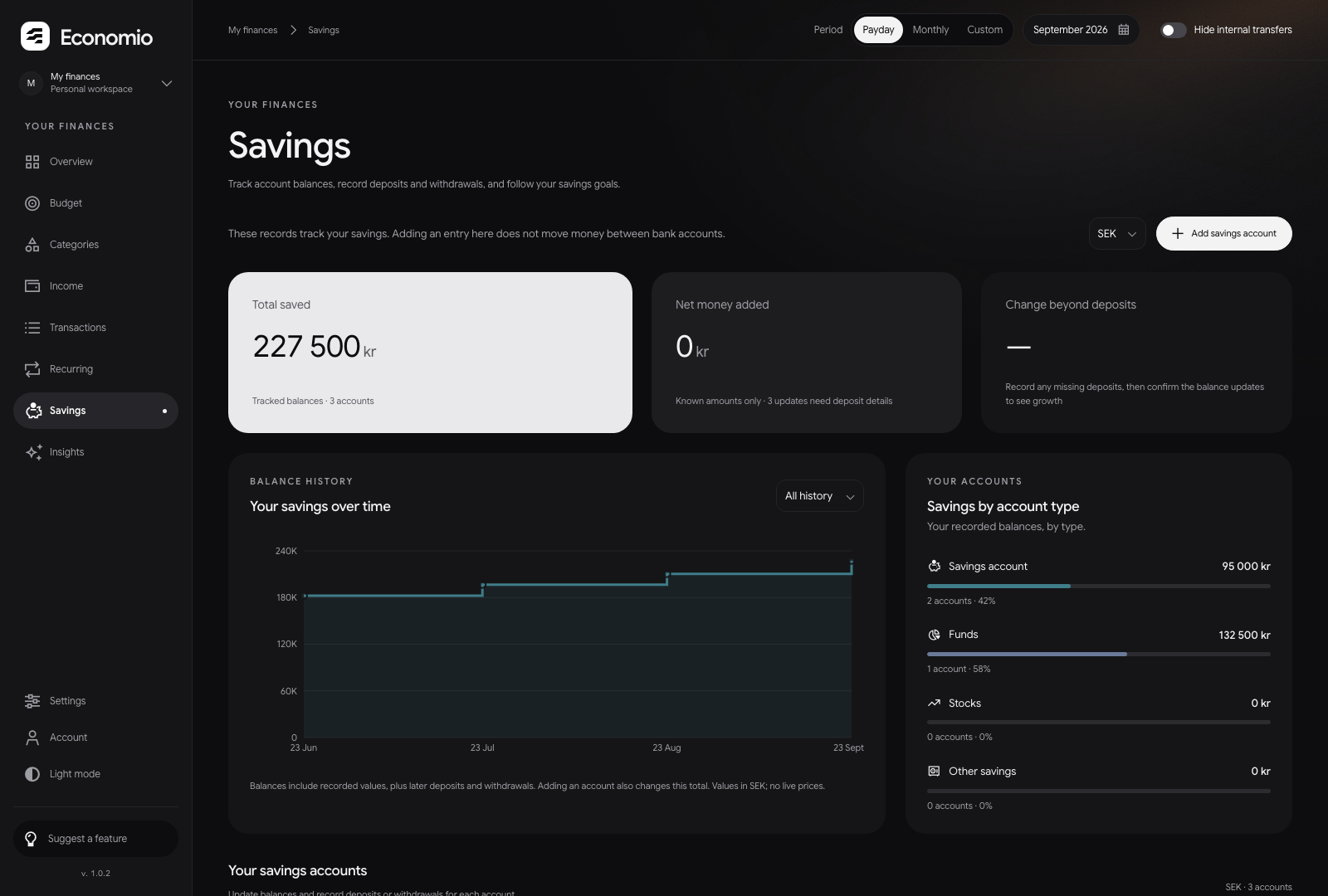
SEPARATE WORKSPACES
Keep household bills separate from business expenses.
Switch between workspaces from one Economio account.
BEFORE YOU START
How Economio works and how to get started.
Economio helps you track spending, plan a budget and follow your savings. Start with your bank transactions, organise them into categories and see how your spending compares with your plan.
No. Export a CSV statement from your bank, then preview and import it into your workspace. You choose what to import; Economio does not connect to your bank.
You can create an account, import bank statements, organise transactions, plan your budget and track savings. Each workspace keeps its own records. New workspaces start empty; records already copied into your account stay in place.
Your overview stays on the latest period with imported transactions, even when the calendar moves to a new month. Choose calendar months or payday periods, from the 25th to the 24th. If a period has no transactions, you’ll see a message and a link back to your latest data.
Yes. A workspace is a separate set of financial records. You can create up to 10, for example for personal, household or business finances. Each belongs to your account. Sharing a workspace with other people is not available yet.
Yes. Open Economio in your phone’s browser and sign in to your account. Your workspaces and saved records are available on your phone and computer.
TRY THE ACCOUNT PREVIEW
Create an account and set up your first workspace.
Create your account Start with a bank statement. Preview the transactions before you import.